
One setup for your everyday CLI tools
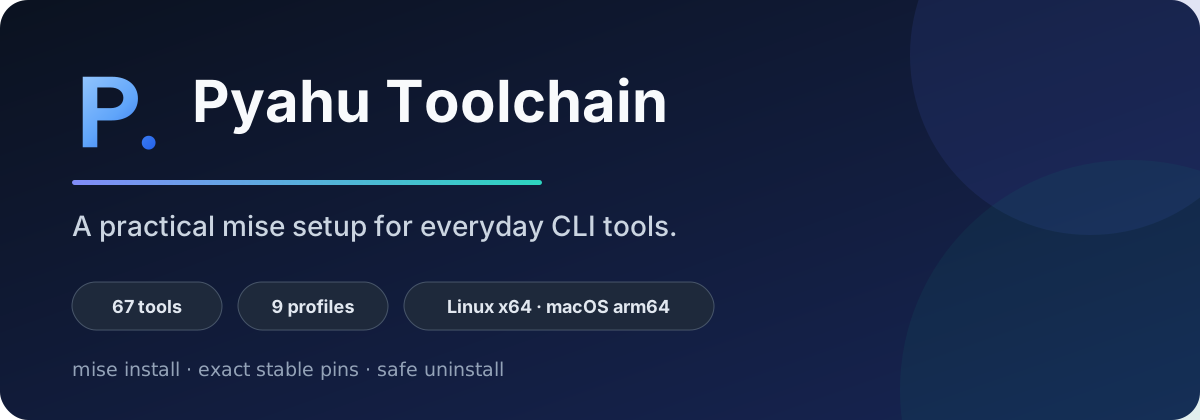
Pyahu Toolchain is a ready-to-use mise configuration for developers who move between languages, cloud platforms, and terminal workflows.
Get started{ .md-button .md-button–primary } Browse profiles{ .md-button }
Start small
Section titled “Start small”Every setup begins with rg, fd, jq, and yq. Add Java, Go, Python, Node, cloud, AI,
architecture, or workstation tools only when you need them.
./install.sh workstation node cloudexport MISE_ENV=workstation,node,cloudmise installWhat you can rely on
Section titled “What you can rely on”- Stable profiles use exact reviewed versions.
- Linux x64 and macOS arm64 installations run in CI.
- The installer previews changes and leaves your existing
config.tomlalone. - Project-level mise files can still select different versions.
- The AI profile is clearly separated as a rolling channel.
Read Platform support for the exact test boundary.
Find what you need
Section titled “Find what you need”| Goal | Page |
|---|---|
| Install for the first time | Getting started |
| Choose a useful combination | Profiles and recipes |
| Find a tool or version | Tool catalog |
| Fix an install or PATH problem | Troubleshooting |
| Understand updates and locks | Update policy |
The source, releases, and issue tracker are on GitHub.